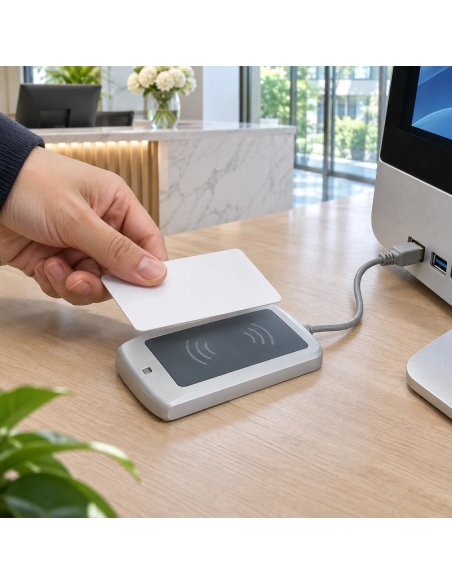
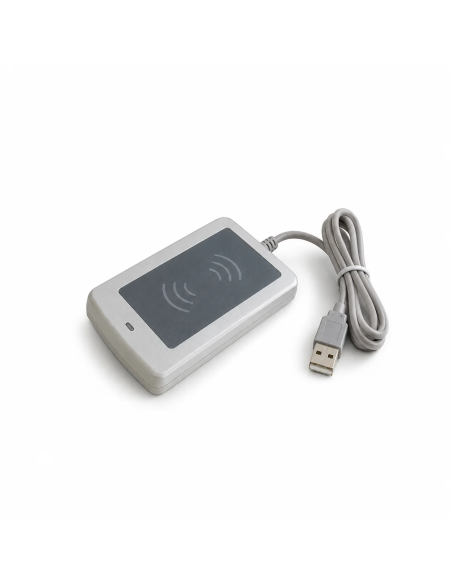
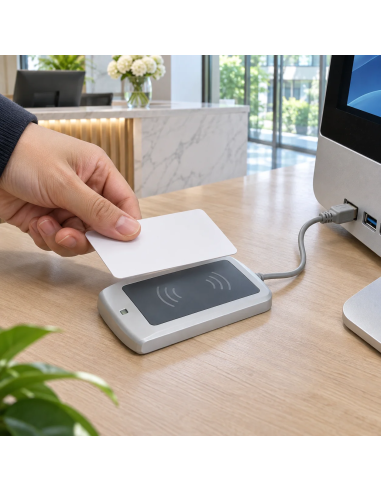
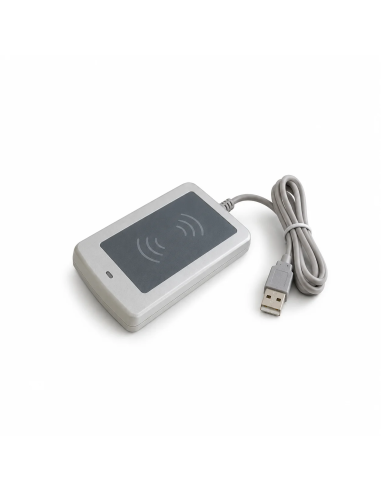
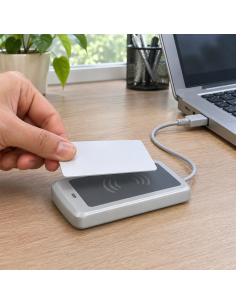
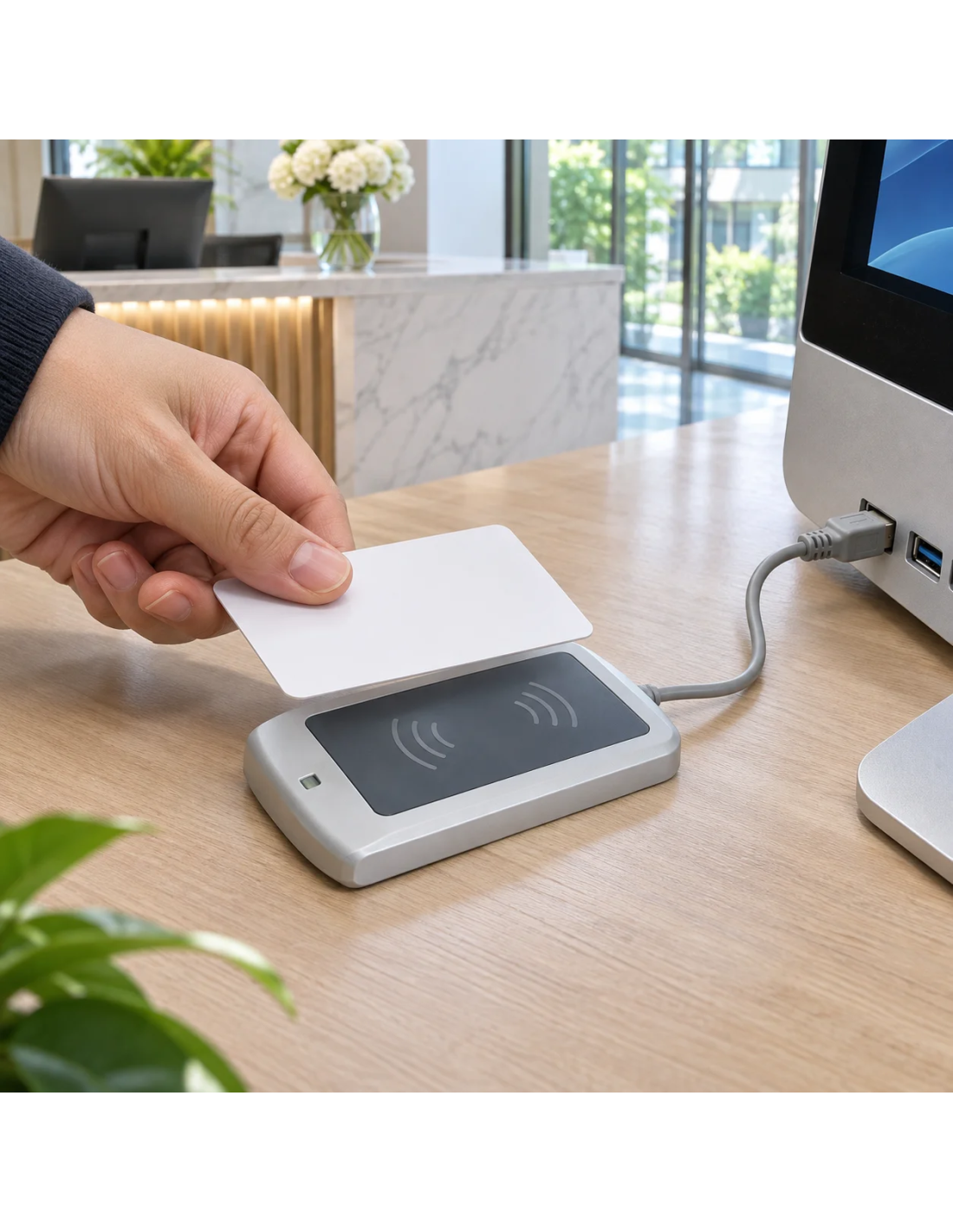
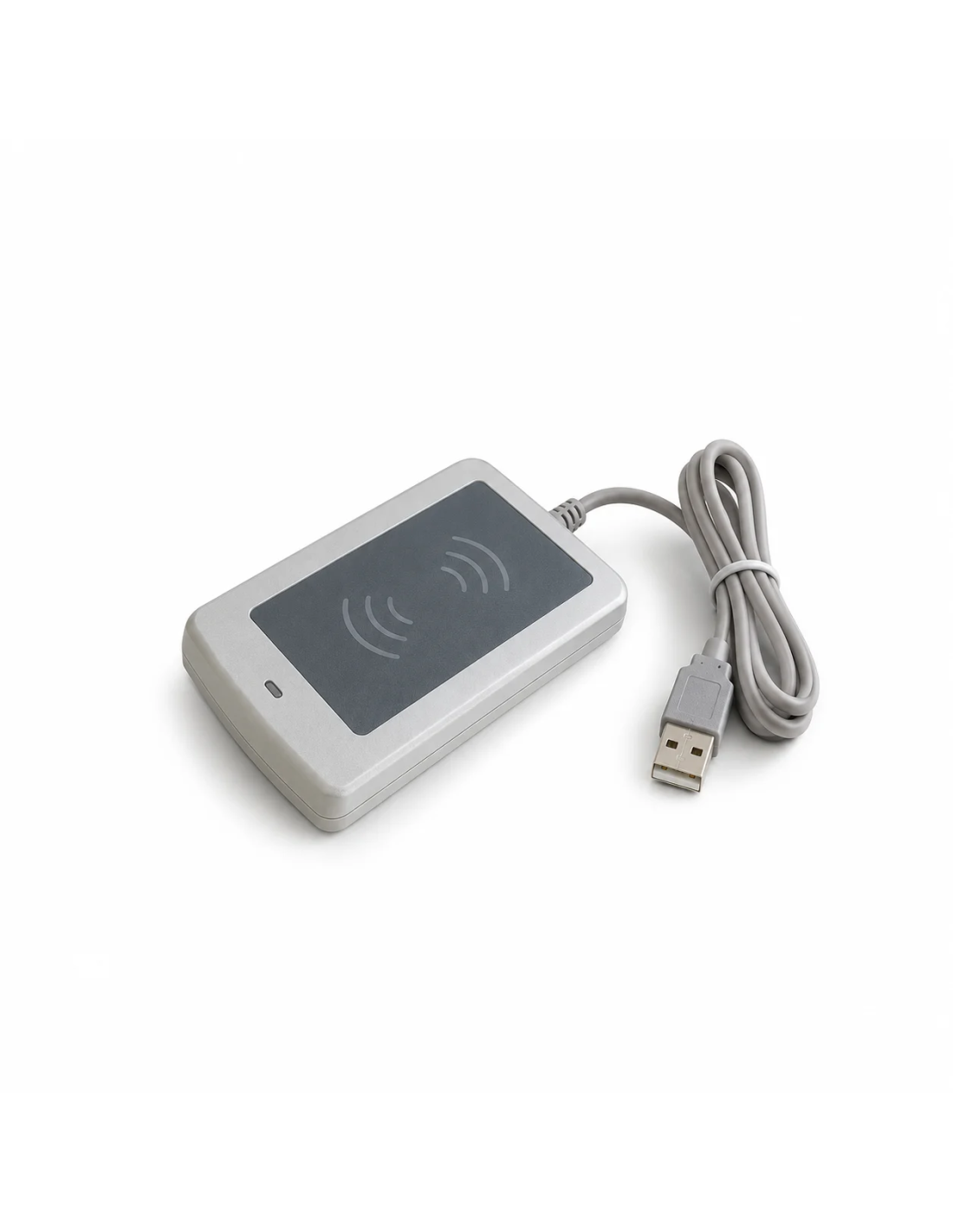
The USB keyboard emulator NFC reader is the simplest way to get an NFC card's identifier into your computer. The system sees it as a keyboard, so when you tap a card, keyfob or sticker it types the UID in hexadecimal into whatever field the cursor is in, in any program.
From chip to spreadsheet without typing
Registering hundreds of cards, logging tools or tracking who enters an event by hand is slow and error-prone. With this reader you open Excel, tap the tags one after another and the cells fill themselves with each UID.
Because it needs no drivers or software, it works on any computer with USB, including company machines where you cannot install anything. The LED and beep confirm every read.
Technical specifications
| Interface |
USB 2.0, plug & play with no drivers |
| Function |
Keyboard emulator: types the UID wherever the cursor is |
| Output format |
UID in hexadecimal |
| Supported chips |
MIFARE Classic 1K and 4K, Ultralight, NTAG20x and NTAG21x |
| Systems |
Windows, Mac, Linux, Android and iPad with USB |
| Feedback |
Dual LED and beep on every read |
| Size |
120 x 80 x 16 mm |
| Volume pricing |
Drops from 5, 10, 50 and 100 units |
| Shipping |
In stock, delivered in 24-48 h |
Who this USB NFC reader is for
- Inventory: log NFC-tagged equipment and tools in Excel.
- Access control and time tracking: register cards in your management software.
- Events: validate wristbands and badges on a laptop.
- Integrators: a test reader for MIFARE and NTAG projects.
How to order
- Choose the quantity. The price per reader drops from 5, 10, 50 and 100 units.
- Add it to the cart and check out.
- We ship it from stock in 24-48 h.
- Plug it in via USB, open the program where you want the data and tap the first card.
Frequently asked questions
Do I need to install any software?
No. The reader works like a keyboard: plug it in via USB and you are done. Open Excel, a web form or your management software, place the cursor in a field and tap the tag.
Does it read the tag's content or just the UID?
Only the UID, the unique serial number of each chip, in hexadecimal. It does not read URLs or text stored on the tag. That is what most inventory, time tracking and access systems need.
Does it work with MIFARE Classic cards?
Yes. It reads the UID of MIFARE Classic 1K and 4K, Ultralight and NTAG, which cover almost every 13.56 MHz card, keyfob and wristband we sell.
How long does delivery take?
It is a stock product, so it ships in 24-48 h. For very large quantities, contact us to confirm availability.
Need several readers?
To equip several workstations, the pack of USB keyboard emulator NFC readers comes in packs of 5, 10 and 50 units.